 WallPilot
Set it up in three steps
1Connect your Tesla account
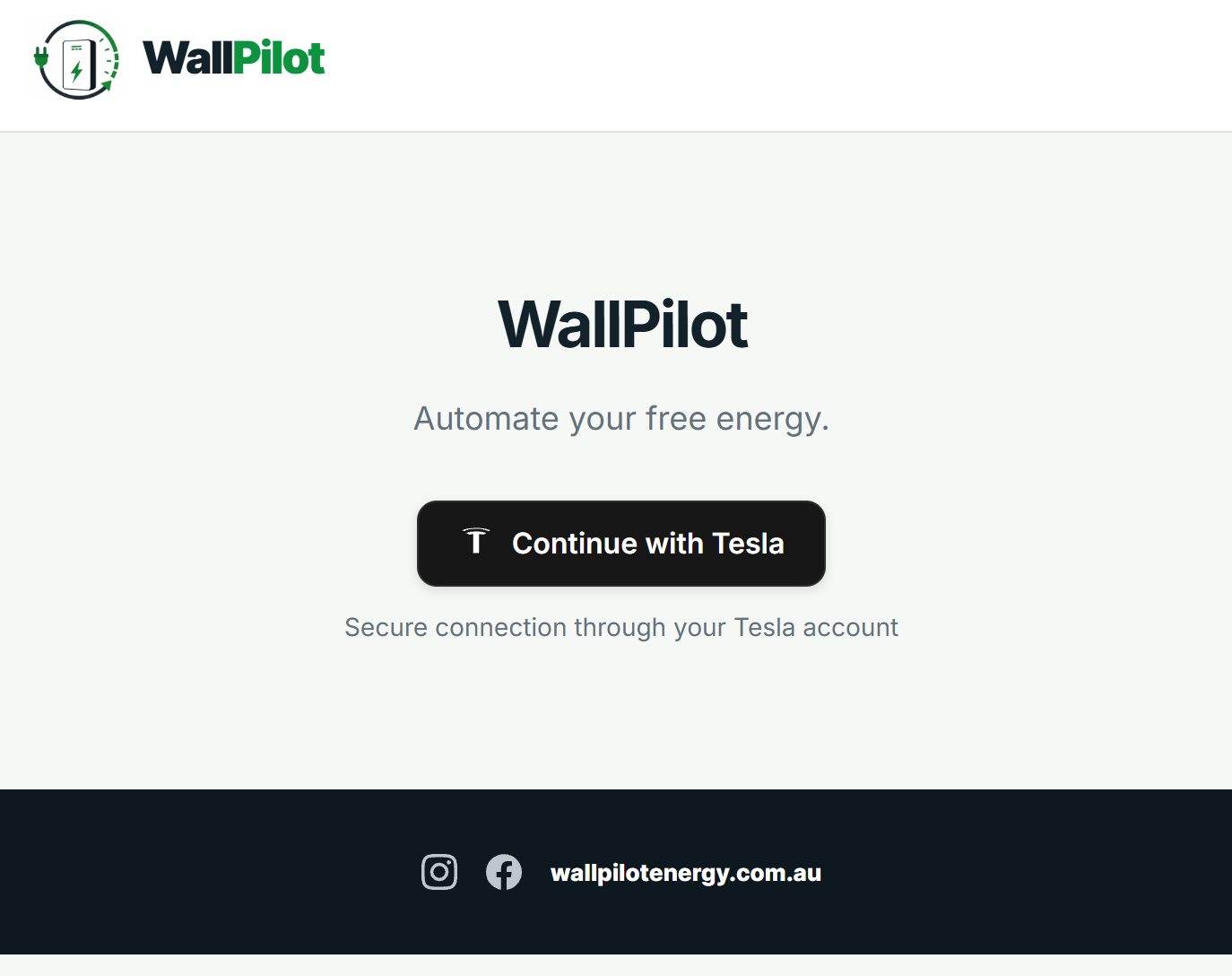
Select Continue with Tesla and sign in through Tesla.
WallPilot uses Tesla's secure login process. Your Tesla password is never provided to WallPilot.
2Enter your free electricity window
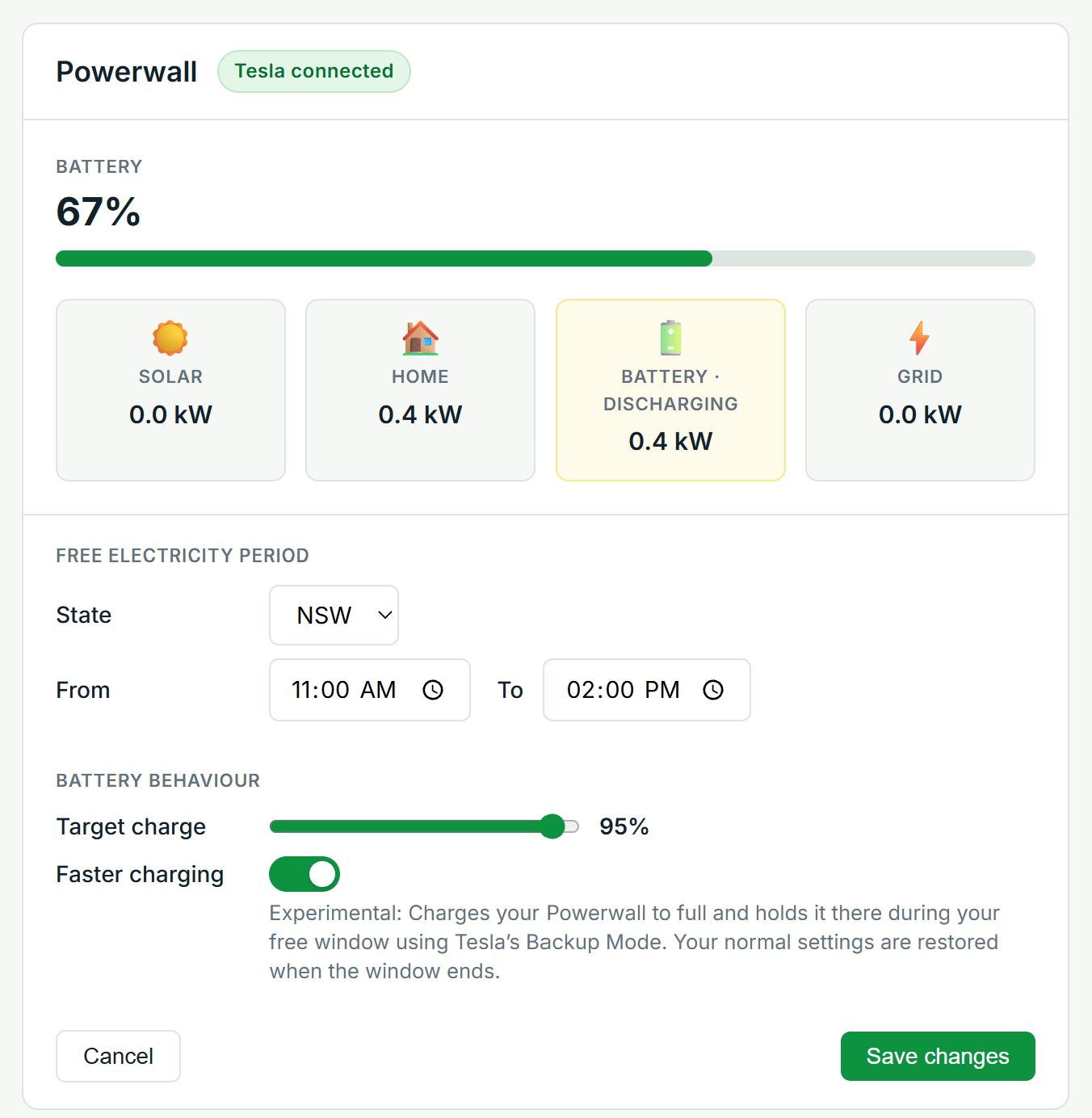
Select your state and enter the start and finish time offered by your electricity plan.
For example, your free electricity period might run from 11:00 am to 2:00 pm.
WallPilot automatically applies the required Powerwall settings when the window begins and restores your normal settings when it ends.
3Let WallPilot manage it automatically
Once your settings are saved, WallPilot checks your Powerwall each day and charges it from the grid during your selected window.
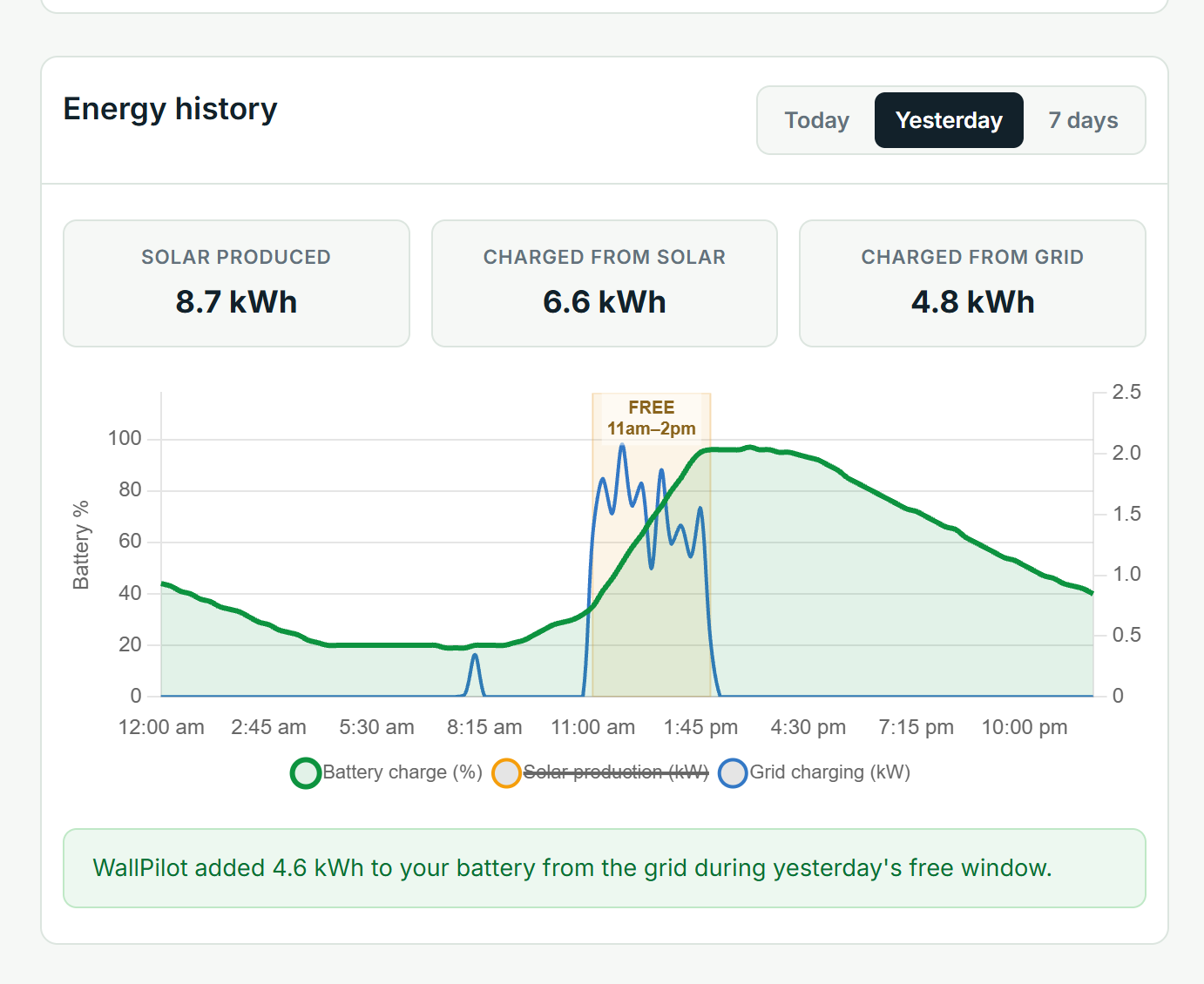
The Energy History screen shows:
- How much energy was produced by solar
- How much energy was charged from solar
- How much energy was charged from the grid
- How your battery level changed throughout the day
- How much WallPilot added during the free electricity period
Start using your free electricity
Connect your Tesla Powerwall and set up your charging window in just a few minutes.
WallPilot is coming soon. Join the early-access list to follow the launch.
Join the waitlist